

v1.2.1
LDLib2 Advanced GUIs for MCreator:
NOTE: This plugin was vibe-coded; it is highly advanced and very experimental!
Now supports NeoForge 1.21.1 and NeoForge 26.1.2.
New and improved UI editor along with many bug fixes in the new v1.2.1.
Let no-code modders build:
- Modern
- Flex-based
- GUIs with themes
- Tabs
- Sliders
- Fluid/item slots
- Movable/resizable windows, then open and control them with familiar MCreator procedures.
- Design in MCreator’s UI tree, or import polished UIs from LDLib’s in-game editor, without writing any GUI code.
Enable API:
Make sure you enable the LDLib2 api in the workspace settings, and
recompile the project before adding any elements or procedures!
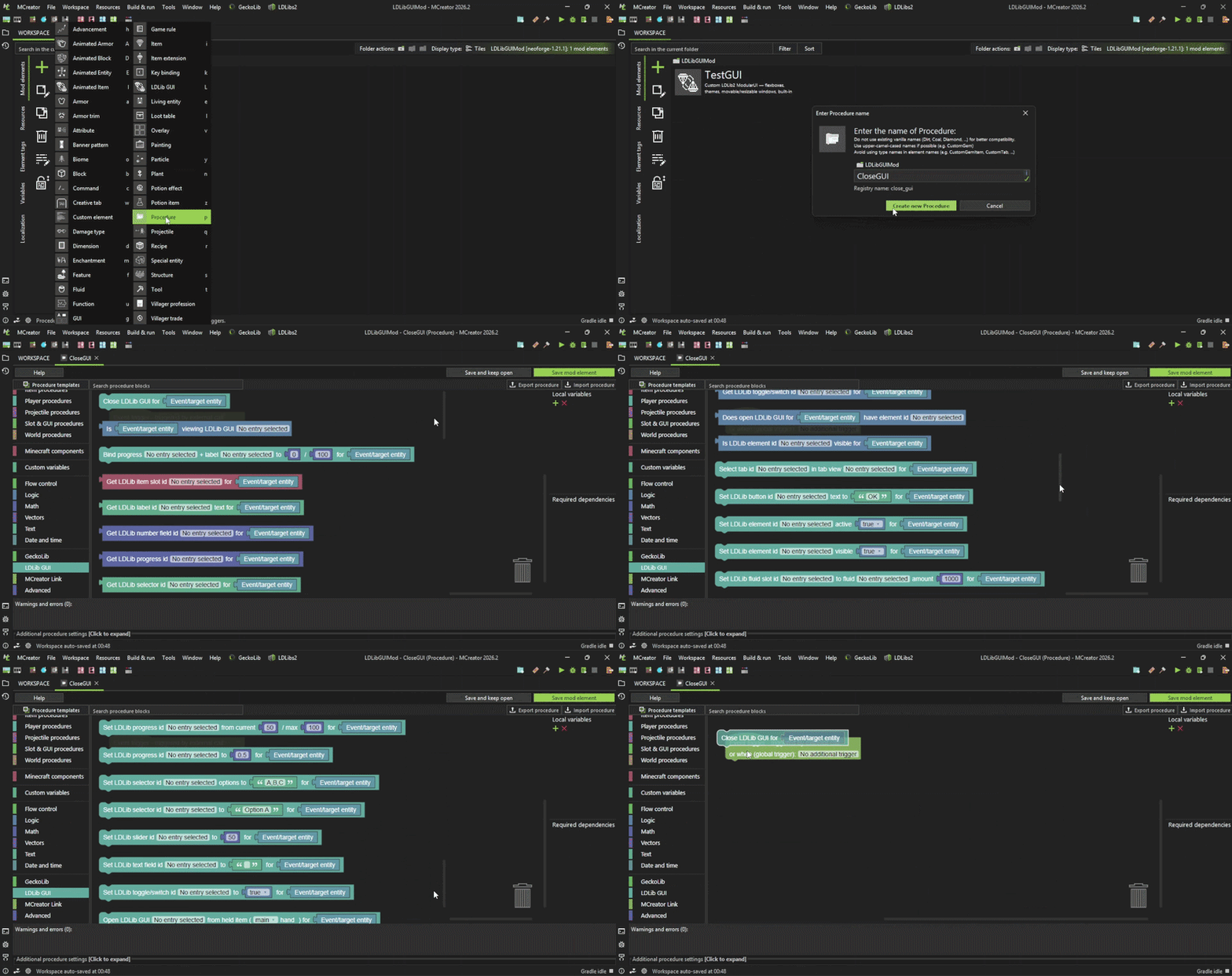
Procedures:
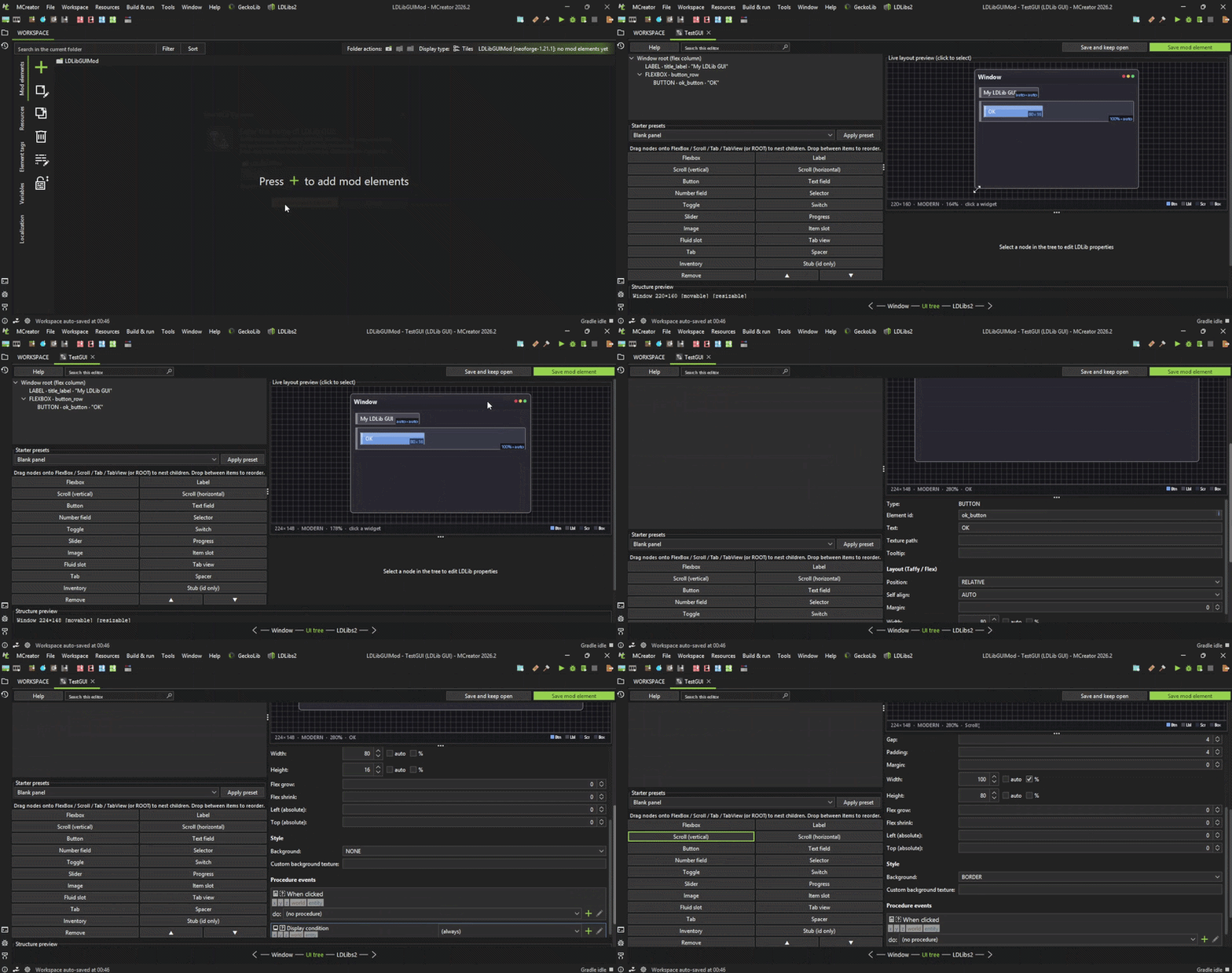
UI Tree:
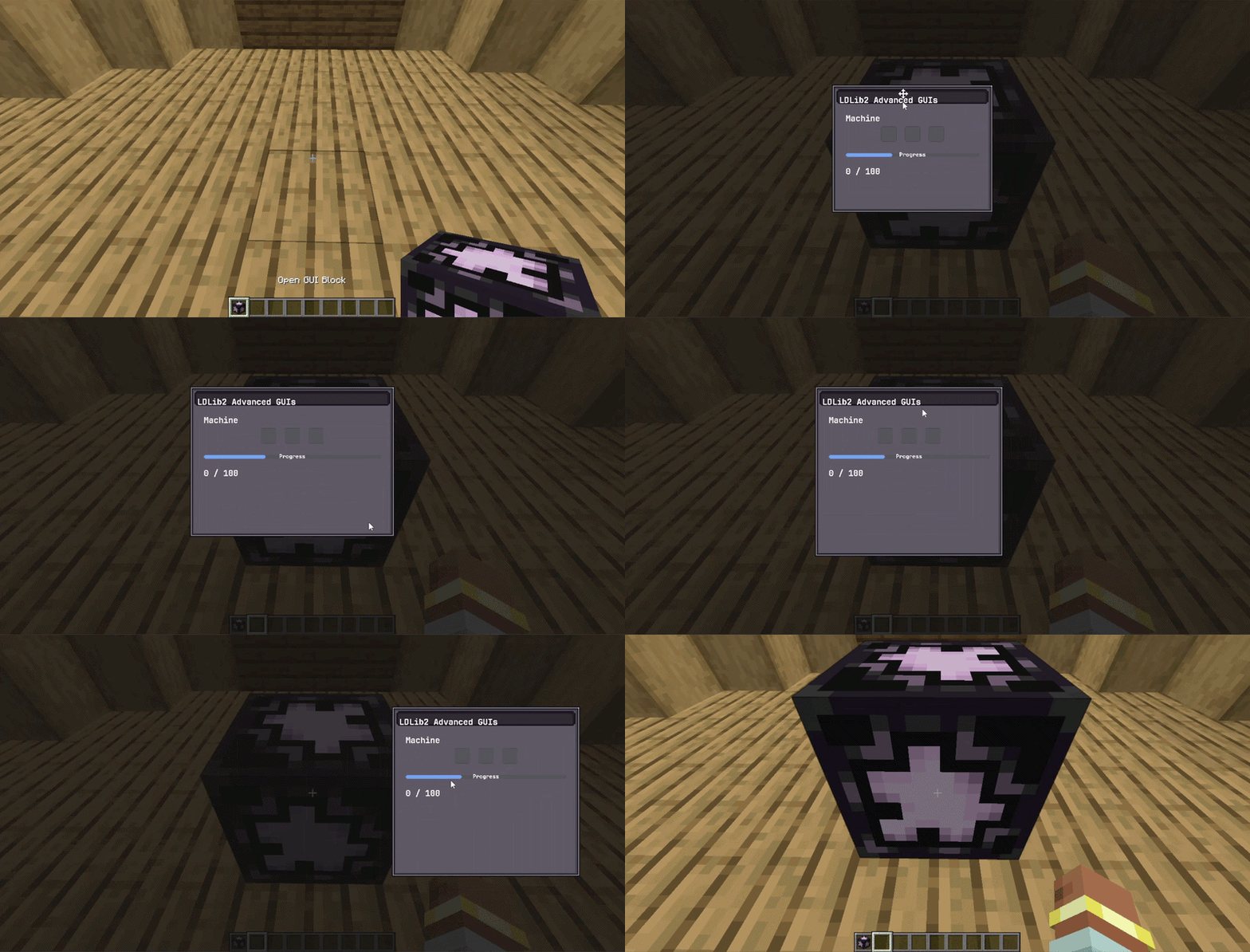
Modular GUI's:
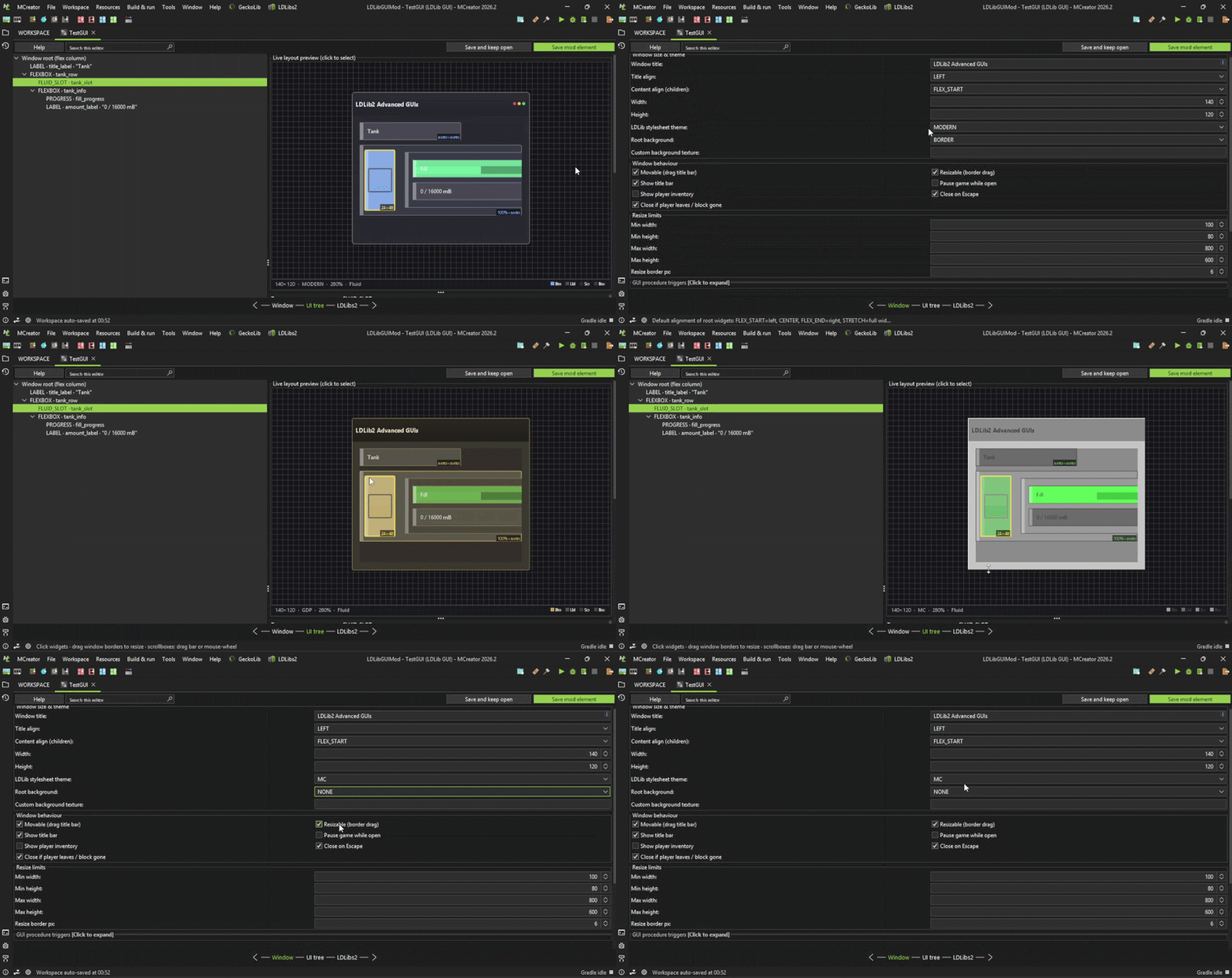
GUI Properties:
IMPORTANT :
This plugin is still in Open Beta; there are known bugs. Do not use this in your Main Mod workspaces!!!
This was released a bit early for testing and feedback to aid in the development of this plugin; do not expect full functionality as it will take some time.
All documentation for this plugin can be found here: https://github.com/CBJaxxx/LDLib2-Advanced-GUIs-Plugin/blob/master/Docs…
This plugin is only for NeoForge 1.21.1 for MCreator 2026.2+.
I respond to issues on the LDLibs2-Advanced-GUIs-Plugin GitHub repository, so all issues should be reported there.
I welcome all issues, as they are very much needed given the complexity of this plugin and the features that significantly slow down development.
I don't have the heart to support and maintain multiple generators for this plugin, so please do not ask.
As always, do not use this in your main mod workspace before backing it up.
This is still in development, and new bugs will be found, so use with caution.
Note: This plugin uses the LDLib2 api and you will need LDLib2 2.2.29 for NeoForge 1.21.1, as your mods will depend on it. NeoForge 26.1.2 uses Beta LDLib2 2.2.40
LDLib2 Advanced GUIs Plugin was a top-secret project of mine, so please enjoy!


what you can do is wait for the creator's fix as I will open a pull request on GitHub about how to fix this for him or follow these steps: download this plugin (https://mcreator.net/plugin/120961/vfx-photon-effects) after doing this open the plugin's .zip file that you just downloaded open the neoforge-1.21.1 folder and copy the generator.yaml file that is inside this folder and place it somewhere else on your PC after that you can close the .zip file and now open the LDLib2 Advanced GUIs Plugin .zip file open neoforge-1.21.1 and paste the generator.yaml file inside the neoforge-1.21.1 folder
this should fix the errors If you followed the steps let me know if it fixed the problems